Building a Custom Vite Plugin for Screenshots & Screen Recording
Marketing a side project is just as important as writing the code. When it came time to prepare visuals for the landing page of my latest project, Nâmedâr, I knew I needed crisp, high-quality images. I wanted standard dimensions—like 1200x800—so they would look clean in Open Graph cards, hero sections, and promotional materials.
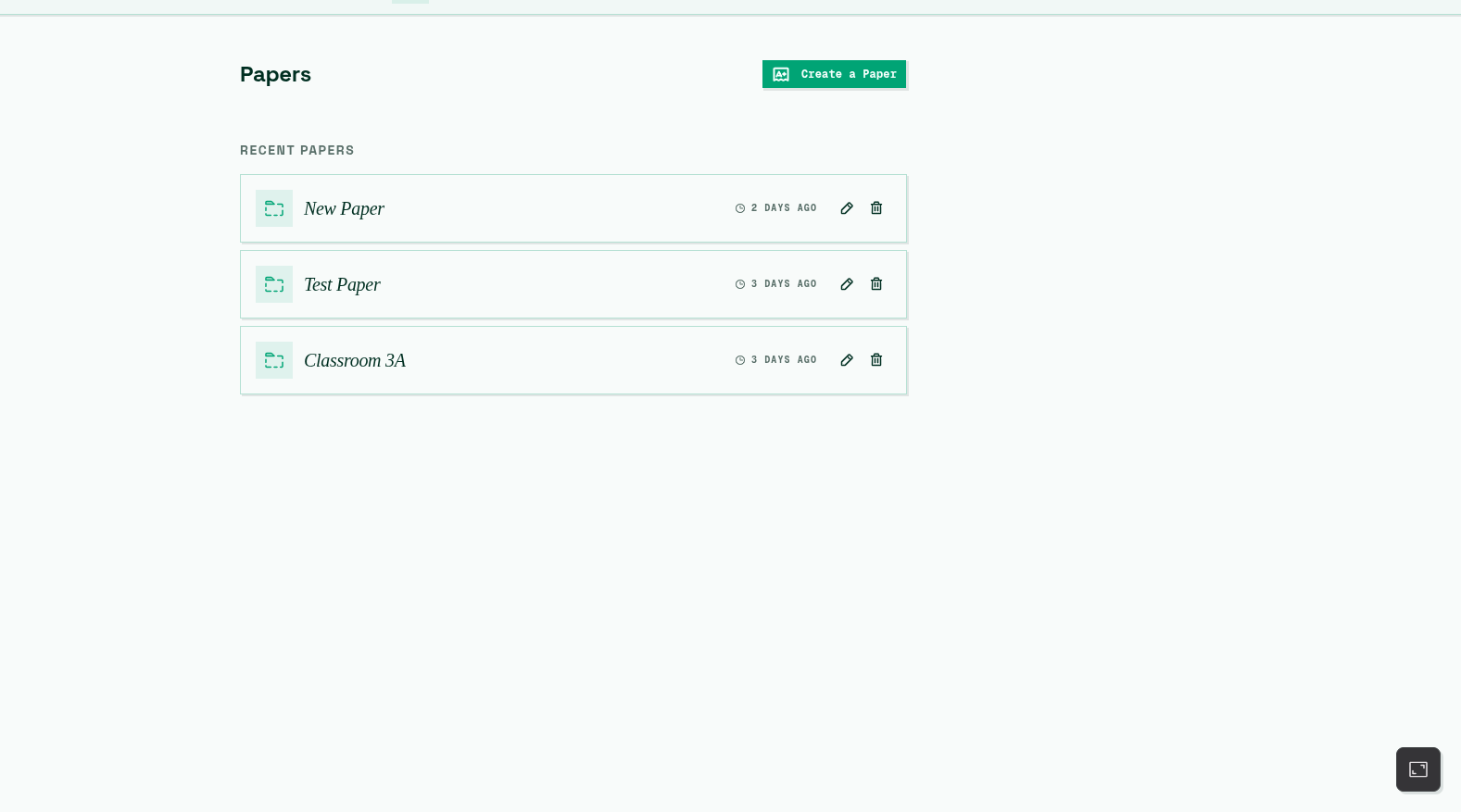
Since my daily driver is Debian, my first instinct was to use the native desktop screenshot utility. But I quickly ran into a wall: getting an exact 1200x800 capture meant tedious eyeballing, resizing windows, and cropping. The results always had random, off-by-a-few-pixels dimensions.
I needed a better workflow. Thus began a bit of a rabbit hole.
The Search for the Right Tool
I initially turned to browser extensions. The Chrome Web Store is full of them. However, they almost always came with too much bloat, intrusive permissions, and a general lack of transparency. I didn’t want to hand over my browser data just to take a screenshot.
Next, I discovered a built-in savior: Browser DevTools. By defining a custom device with my exact desired dimensions (1200x800) and specific Device Pixel Ratios, I could snap static screenshots. Problem solved, right?
Well, not quite.
Alongside static visuals, I also wanted to prepare short tutorials and UI showcases in video format. The DevTools approach fell apart when it came to screen recording. I was back to square one: no extensions, and no viable native Debian utility for exact-dimension window recording.
Necessity is the Mother of Invention
Since almost all of my web projects, including Nâmedâr, are built on top of Vite, I had a realization. Why rely on external software when I control the development environment?
I decided to build a custom Vite plugin tailored to my needs: vite-plugin-derdest (which I named Derdest—a word meaning “captured” or “apprehended” in Turkish).
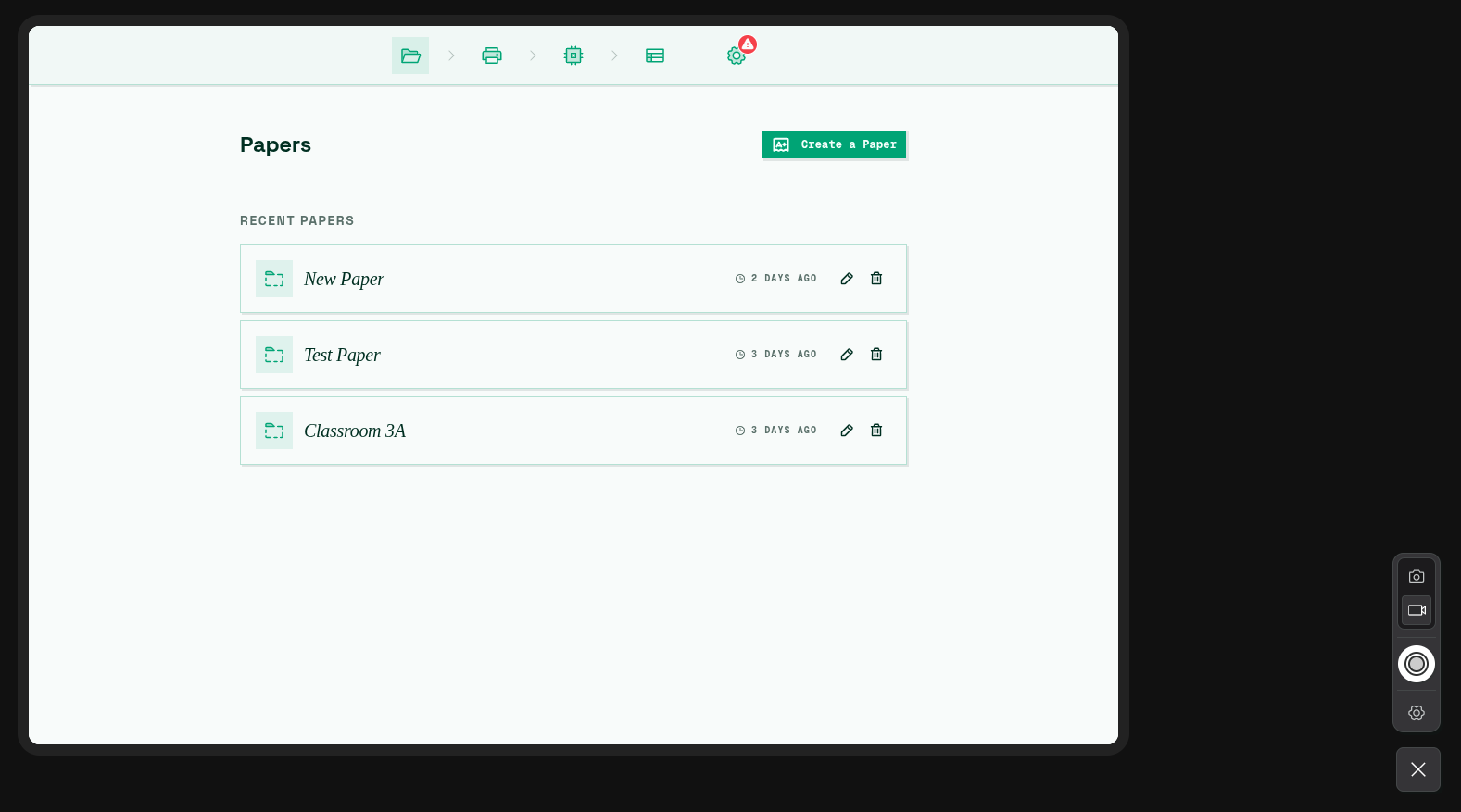
The concept was straightforward:
- Inject a floating UI into the development server.
- Allow the user to input specific dimensions (e.g., 1200x800) and a scale factor.
- Render the actual application inside a styled
iframematching those exact dimensions. - Utilize modern browser APIs (
getDisplayMedia,CropTarget, andImageCapture) to capture either screenshot files or.webmscreen recordings directly from that iframe.
The Design Journey: Man vs. Machine
Building the logic was fun, but I wanted it to look cohesive too. It needed to be a tool I actually enjoyed using.
At first, I tried asking an AI to design the UI from scratch and write the HTML/CSS for the plugin. The results were clunky, uninspired, and lacked the polished, modern aesthetic I was aiming for.
AI is a fantastic engine, but it needs a steering wheel.
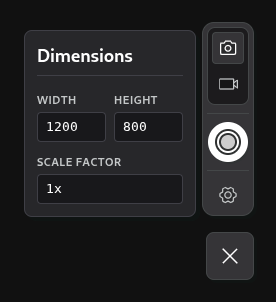
I opened Inkscape and drafted a clean vertical UI layout myself. I stacked a section for toggling between “Picture” and “Video” modes at the top, dropped a large circular capture button in the center, and added a settings gear below it. To keep the design consistent, I grabbed a set of vector icons from Phosphor Icons.
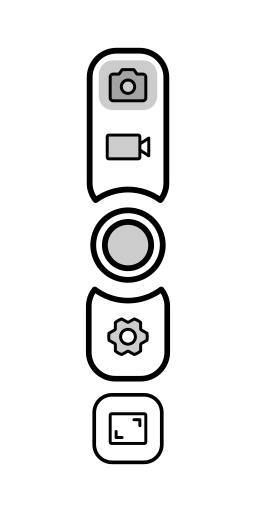
I took my Inkscape draft, used it as structural context for an AI design assistant, and the output matched my draft. By providing a clear, human-made structural template, the AI generated a pixel-aligned, clean interface.
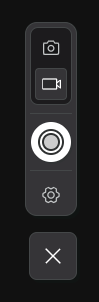
The Final Result
Today, the Derdest plugin sits quietly in the bottom corner of my local development environment.
When I need a visual, I click the toggle. The screen dims, an emulator wrapper holding Nâmedâr at exactly 1200x800 appears, and the control panel slides into view.
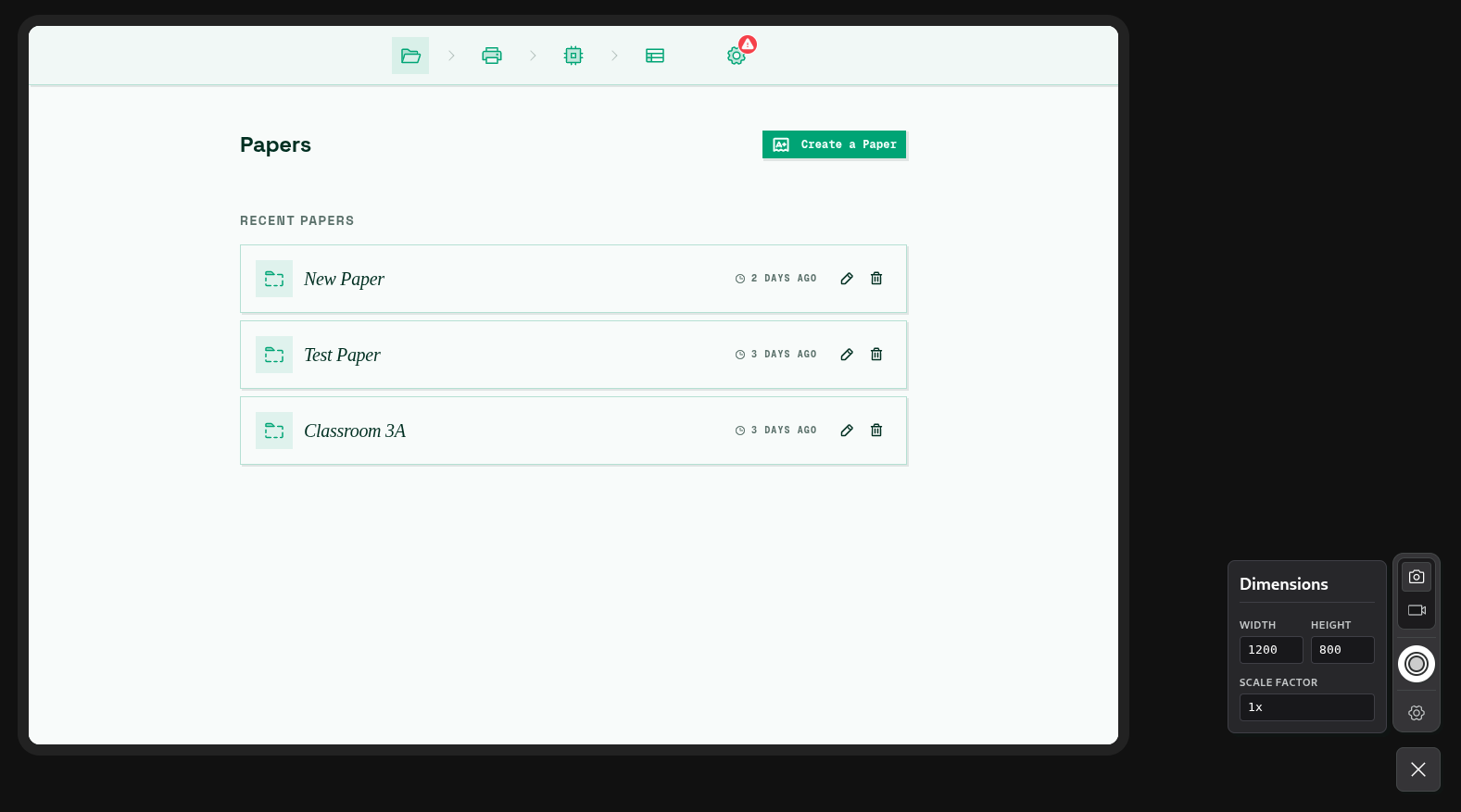
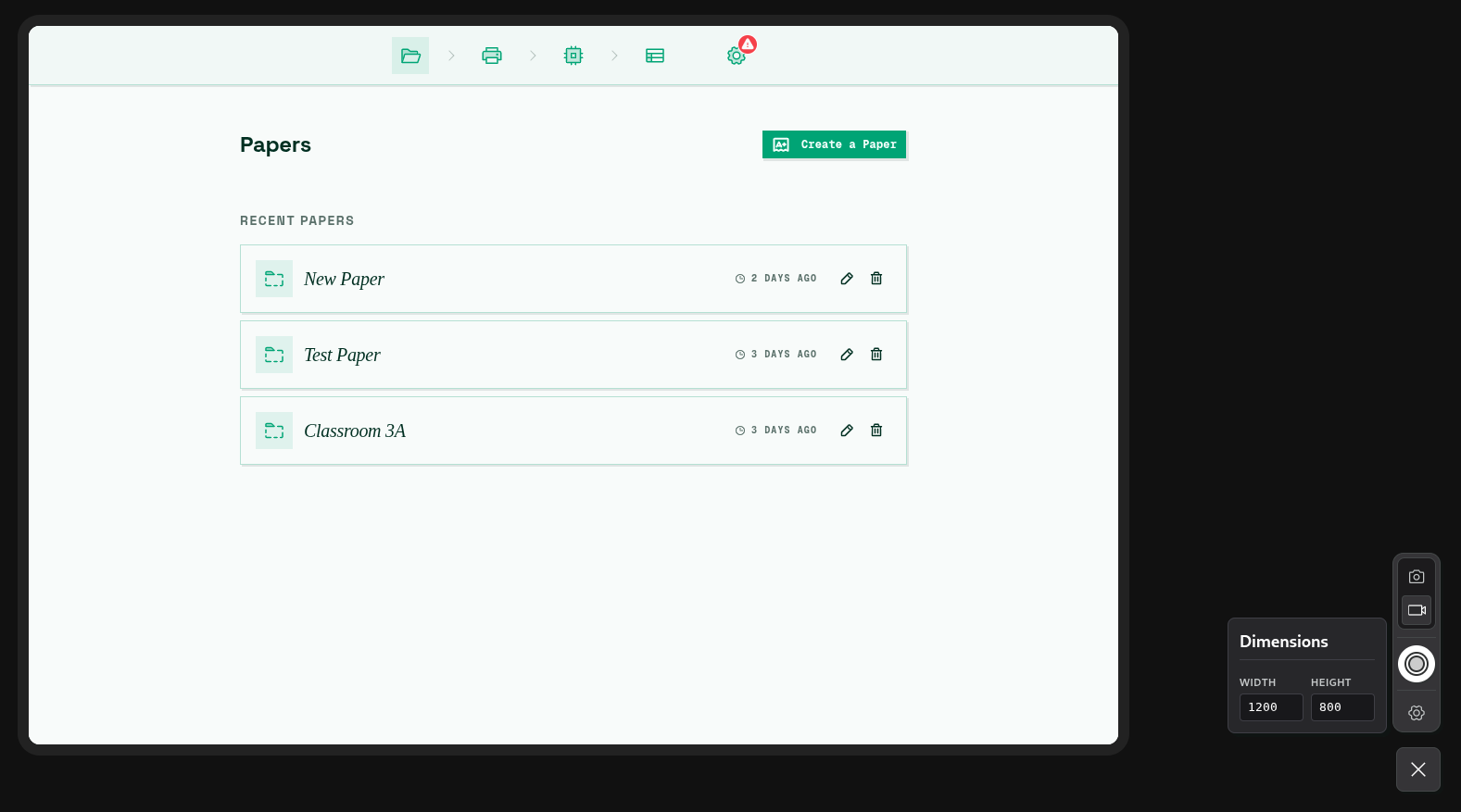
I can click the video camera icon to start recording a UI flow, or click the circular shutter button—complete with a 3-second countdown—to grab an uncompressed PNG using the browser’s native ImageCapture API.
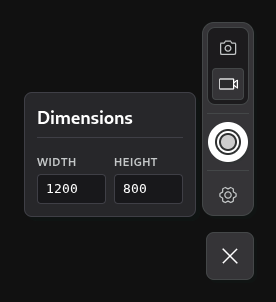
If I need to tweak things on the fly, a simple click of the settings gear pulls up custom variables to redefine width, height, and scale dynamically:
Sometimes, the best dev tools are the ones you build for yourself. This custom utility has turned visual generation from a frustrating task of manual cropping into a straightforward, single-click task.